
Offline-first
Your photos stay on your device. Minishot does not need an account or backend.

A joyful photo resizer for Android. Pick your photos, choose a size, and get smaller copies fast.
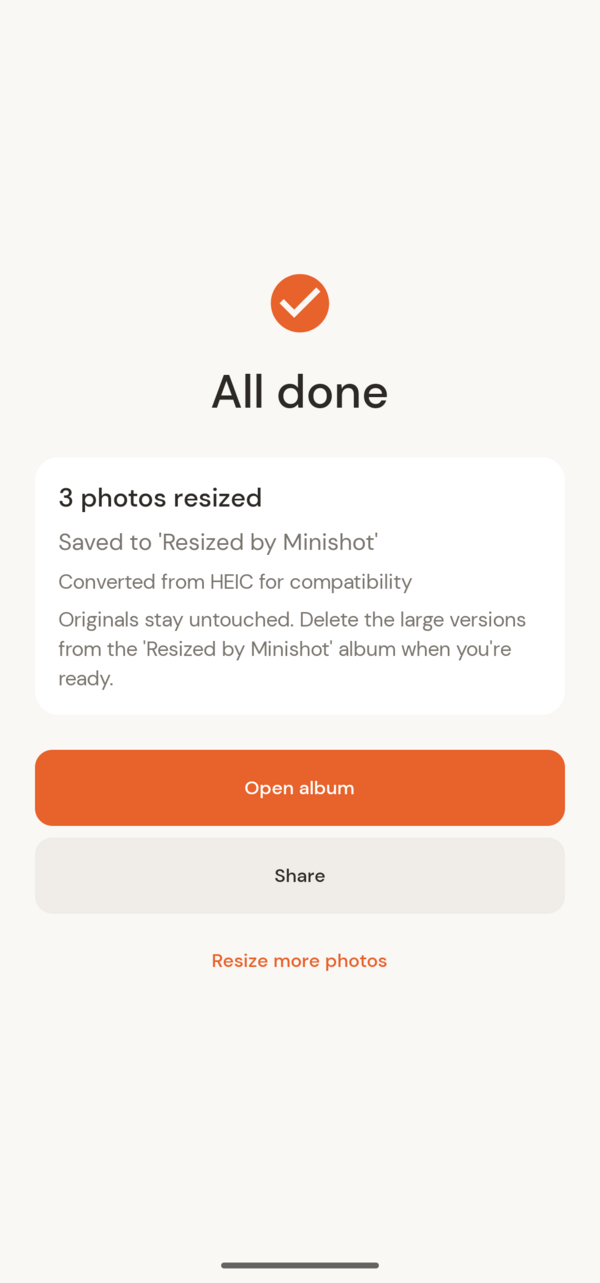
Minishot focuses on one job and does it well: resizing photos for sharing, uploading, and saving space.
No account, no cloud workflow, no clutter. Just a straightforward local tool that respects your time and your original files.
Your photos stay on your device. Minishot does not need an account or backend.
Metadata stripping is available, and the app avoids collecting user data directly.
Resized images are saved as new copies, so your source photos stay untouched by default. Want to reclaim space? Flip a toggle and Minishot will delete the originals for you after resizing — and if you use Google Photos, the full-size versions remain safely backed up in the cloud even after they leave your phone.
Email contact@transcendental-apps.com or use the in-app feedback action from Settings.